
Build Your UWI Timetable
in Seconds
Select your courses, choose your classes, and instantly get a beautiful timetable that works on every device.
Powering your semester, 24/7.
Ditch the messy PDF printouts. STA Timetabler converts static schedules into an interactive dashboard.
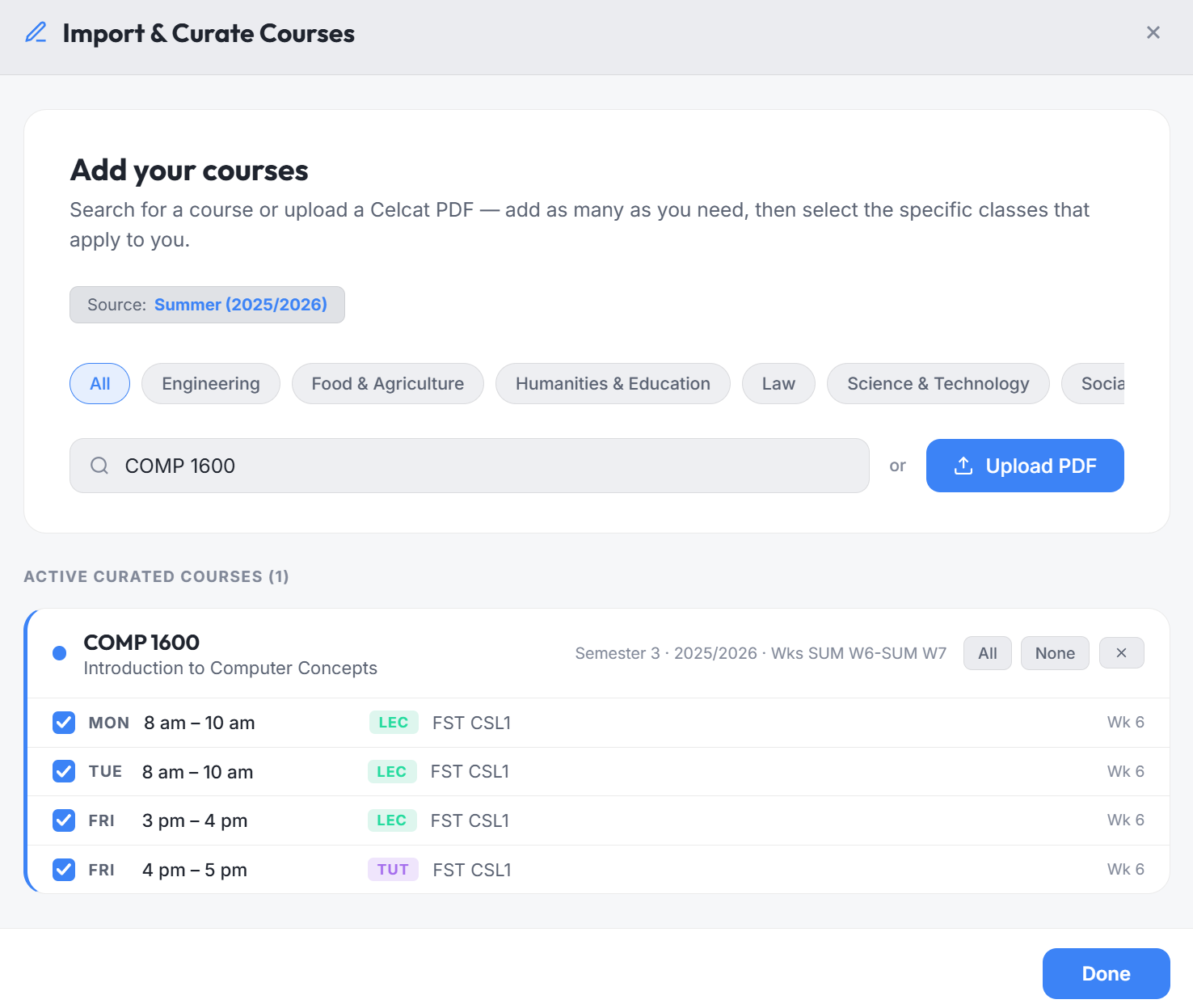
Upload a UWI Celcat PDF. Course codes, room assignments, and schedules are parsed in 1 second.
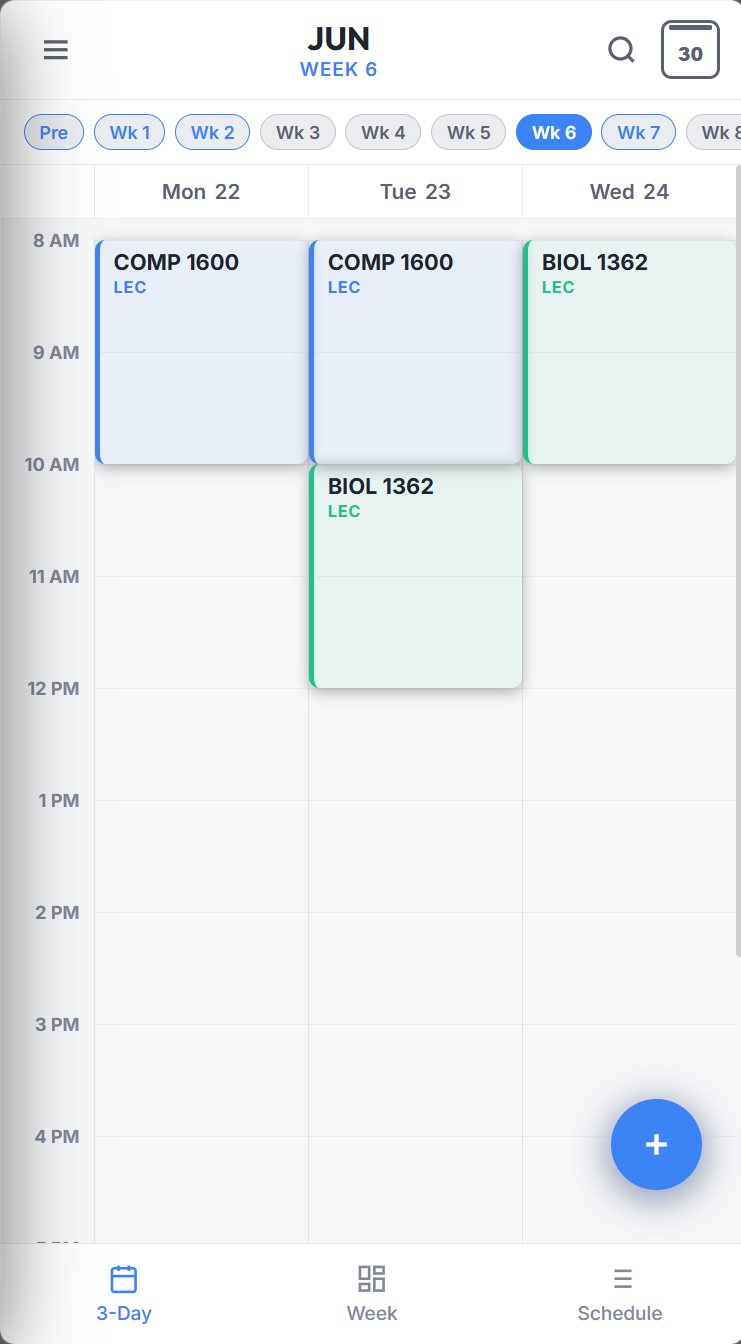
See consecutive days side-by-side on mobile. Compact and responsive layout to fit narrow screen viewports.
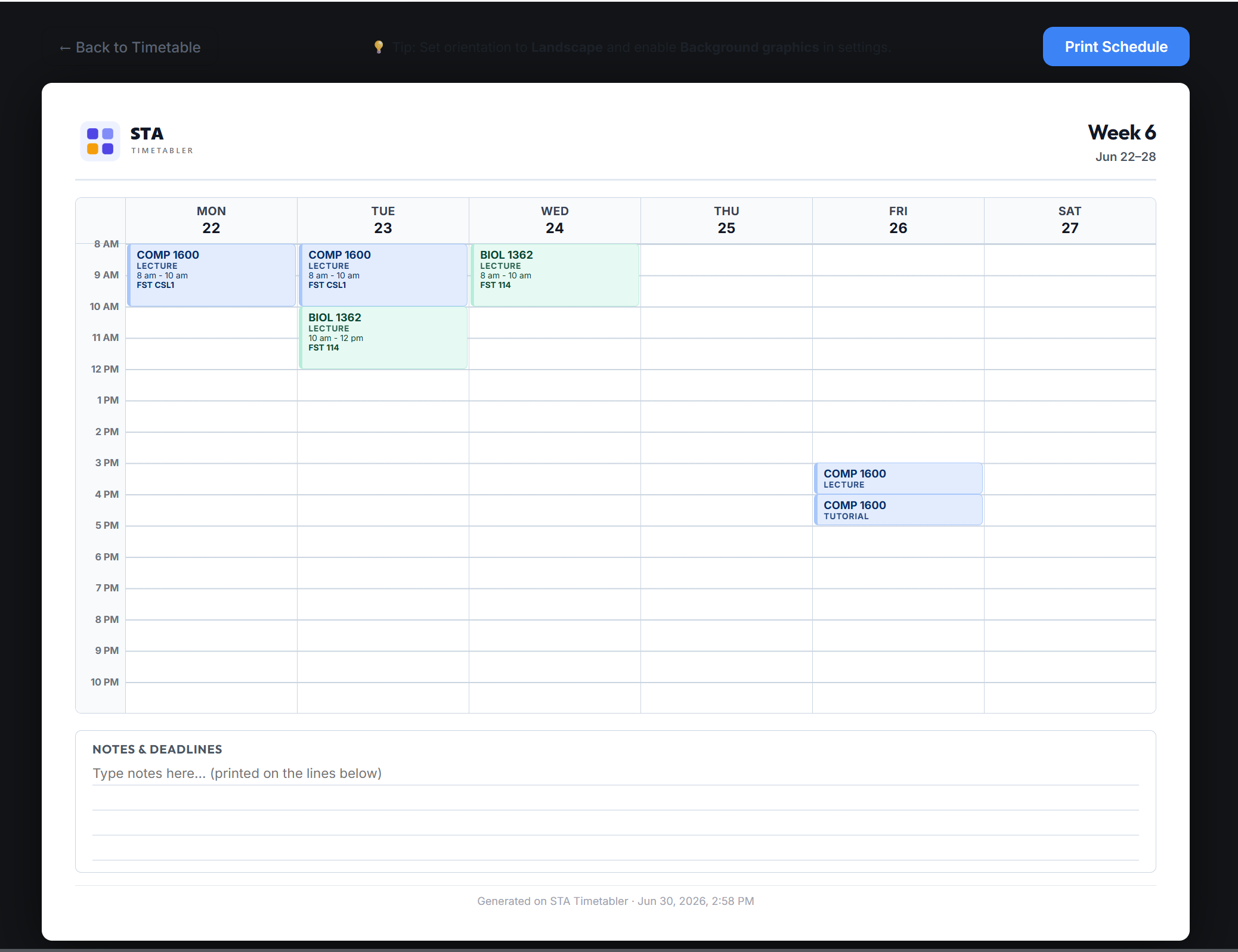
Export your timetable directly to Apple Calendar, Google Calendar, and Outlook with 15-minute reminders, or generate a clean print-ready PDF.
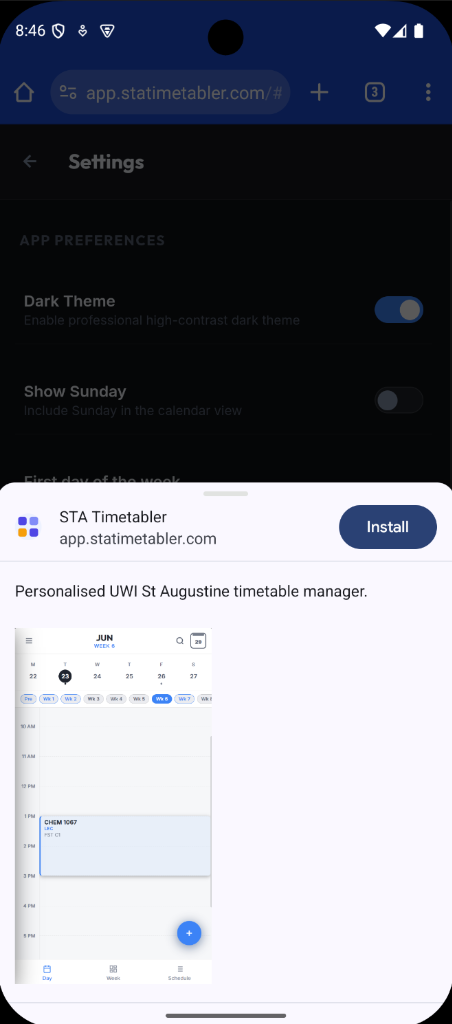
Install directly on your Android or iOS device. Access your timetable straight from the homescreen like a native app.
Set up your semester in 3 steps
Upload or Select Your Courses
Upload a CELCAT PDF directly, or use the built-in course selector to find and add your courses — no file needed.
Fast ParsingCurate Your Sections
Select exact class sections (lectures, labs, tutorials). Uncheck any clashing slots to customize your week.
Filter ClashesPersonalize & Track Anywhere
Install on mobile or desktop as a PWA. Reschedule classes, add custom deadlines, and track activities with automatic cloud sync.
PWA & PlannerFrequently Asked Questions
Is my data secure? Will you store my timetable?
Yes, your data is secure. PDF parsing and timetable curation happen entirely in your browser. Your selected courses and preferences are saved to our servers so your timetable syncs across devices, but we do not share your data with third parties.
What is Celcat? Where do I get my PDF?
CELCAT is the scheduling system used by the University of the West Indies. You can download your official course schedule PDF directly from the official CELCAT timetable portal and drag it directly into STA Timetabler.
Can I export my timetable to Google Calendar, Apple Calendar, or print it?
Yes. You can export your timetable as an .ics file compatible with Google Calendar, Apple Calendar, Outlook, and Samsung Calendar, complete with optional 15-minute reminders. You can also generate clean, print-ready PDF schedules directly from the Export menu.
Which browsers and devices are supported?
Every modern browser (Chrome, Edge, Safari, Firefox) is supported on Windows, macOS, Android, and iOS. As an installable PWA, you can install it on your device and load it directly from your homescreen.
Does it work with Summer Semester schedules?
Yes. The parsing engine recognizes Semesters 1, 2, and Summer academic sessions automatically, aligning date calculations to UWI St. Augustine milestones.